
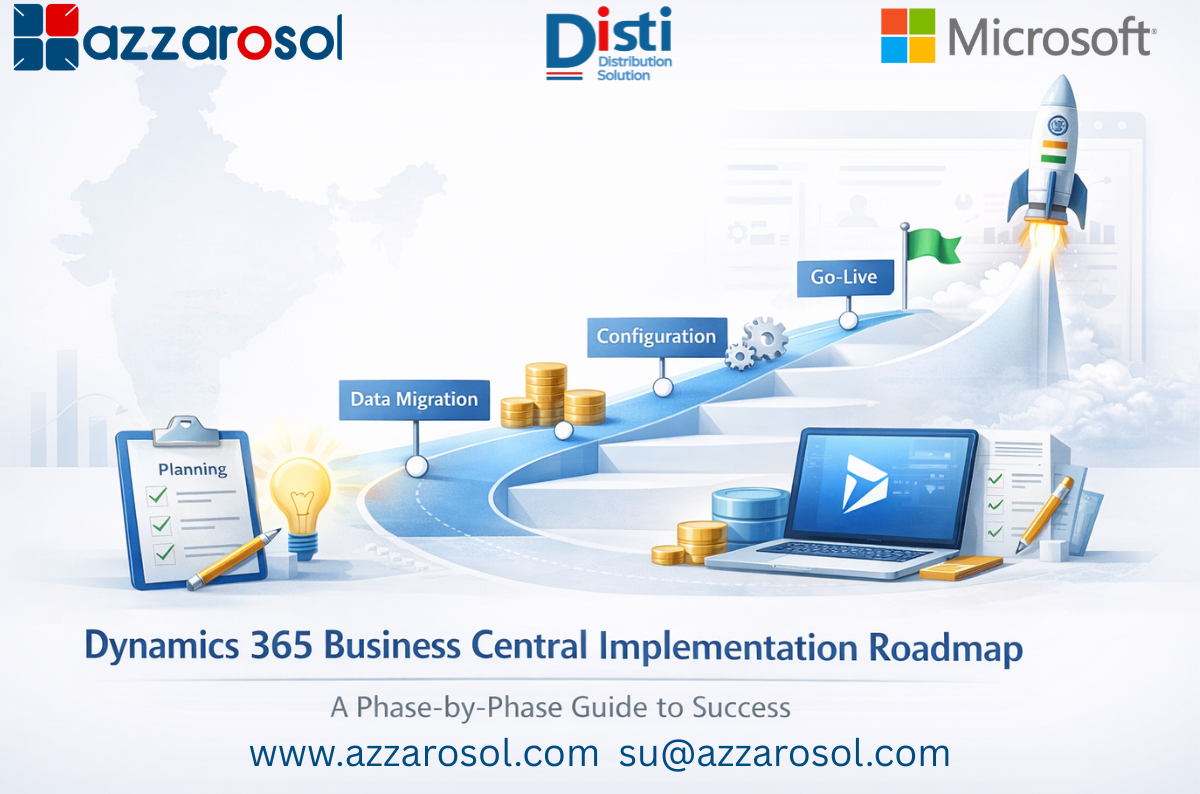
Dynamics 365 Business Central Implementation is the foundation for organizations looking to streamline operations, finance, and project management. Without a clear roadmap, companies risk delays, overspending, and low user adoption. This guide walks you through every phase of implementation, offering actionable steps to ensure a smooth and successful deployment.
What is Dynamics 365 Business Central Implementation?
Dynamics 365 Business Central Implementation is the structured deployment of Microsoft’s cloud ERP system. It aligns technology with business processes, optimizes workflows, and enhances reporting. This process involves multiple phases, from planning to post-go-live optimization, making a roadmap essential for smooth execution.
Implementing Business Central effectively ensures your organization benefits from an ERP implementation roadmap that supports scalability, compliance, and operational efficiency.
Why You Need a Business Central Implementation Roadmap
A Business Central implementation roadmap provides a clear path to deployment, helping organizations:
- Reduce project delays and cost overruns.
- Ensure accurate data migration from legacy systems.
- Align processes with ERP capabilities.
- Improve user adoption through structured training.
- Manage integrations with CRM, eCommerce, or payroll systems.
A well-defined roadmap makes Dynamics 365 Business Central deployment predictable and measurable.
Phase 1: Pre-Implementation Planning
The first phase establishes a foundation for a successful Microsoft Business Central implementation.
Key Steps:
- Identify stakeholders and form a cross-functional team.
- Evaluate existing processes and pinpoint inefficiencies.
- Define objectives, KPIs, budget, and resources.
Proper Business Central project planning in this stage reduces risks and ensures that the following phases run smoothly.
Phase 2: Solution Design & Blueprinting
In this phase, your team translates business needs into a functional ERP blueprint.
Key Steps:
- Conduct gap analysis to align Business Central features with business requirements.
- Document process maps and functional specifications.
- Design integrations and system architecture.
- Decide between standard functionality and customizations.
Following a step-by-step Dynamics 365 Business Central implementation roadmap helps avoid over-customization and ensures system alignment with business objectives.
Phase 3: Data Migration and Preparation
Data migration is critical in Business Central ERP implementation. Clean, accurate data ensures reporting integrity and operational continuity.
Key Steps:
- Clean legacy data and remove duplicates.
- Map data to Business Central tables.
- Conduct test migrations and validate results.
A successful Microsoft Dynamics 365 Business Central setup ensures all financial, operational, and inventory data is ready for go-live.
Phase 4: System Configuration & Customization
Once data is ready, configure the system for your workflows.
Key Steps:
- Set user roles, permissions, and workflows.
- Customize fields, reports, and dashboards where necessary.
- Integrate with third-party systems like CRM or eCommerce.
Following Dynamics 365 Business Central implementation best practices ensures the system meets operational needs while remaining scalable and manageable.
Phase 5: Testing and Quality Assurance
Testing validates that your Business Central ERP rollout works as intended.
Key Steps:
- Perform unit testing for individual modules.
- Conduct system testing for end-to-end workflows.
- Execute User Acceptance Testing (UAT) with staff.
- Check performance and security to prevent system issues.
A structured ERP implementation lifecycle check reduces risks during the Business Central go-live process.
Phase 6: Training and Change Management
User adoption is essential for a successful Dynamics 365 BC implementation.
Key Steps:
- Provide role-based training for finance, operations, and IT teams.
- Share manuals, FAQs, and on-demand resources.
- Implement feedback loops and support channels.
Effective change management ensures employees embrace the system and your Business Central implementation checklist is fully actionable.
Phase 7: Go-Live and Post-Implementation Support
The final phase ensures smooth transition and long-term optimization.
Key Steps:
- Plan cutover activities and finalize data migration.
- Monitor system performance during hypercare.
- Resolve user issues and refine processes.
- Continuously review KPIs for ongoing improvements.
This phase ensures the Business Central ERP implementation timeline is realistic and delivers maximum ROI.
Best Practices for Dynamics 365 Business Central Implementation
To maximize success:
- Follow a phased approach rather than rushing go-live.
- Prioritize standard Business Central features over unnecessary customizations.
- Work with Microsoft-certified partners for technical guidance.
- Document processes and system configurations clearly.
- Monitor KPIs and continuously optimize operations.
These Dynamics 365 Business Central implementation steps help organizations achieve efficiency, scalability, and user satisfaction.
Common Challenges and How to Overcome Them
Successful Microsoft Business Central implementation requires addressing typical ERP challenges:
- Budget overruns: Avoid with clear planning and scope definition.
- Data migration issues: Ensure thorough cleansing, mapping, and testing.
- User resistance: Conduct role-based training and implement strong change management.
- Integration difficulties: Plan early and test third-party connections.
Customization overload: Stick to essential customizations first.
Proactively managing these challenges ensures a smooth and effective Dynamics 365 Business Central Implementation.
Conclusion
A Dynamics 365 Business Central Implementation roadmap is a structured, phase-by-phase plan that guides organizations through planning, system design, data migration, configuration, testing, training, go-live, and post-implementation optimization to ensure a successful ERP deployment.
For professional guidance and tailored support on Microsoft Business Central implementation, contact Azzarosol today. Our certified consultants help organizations plan, deploy, and optimize ERP systems for maximum efficiency and growth. email us at: sales@azzarosol.com