
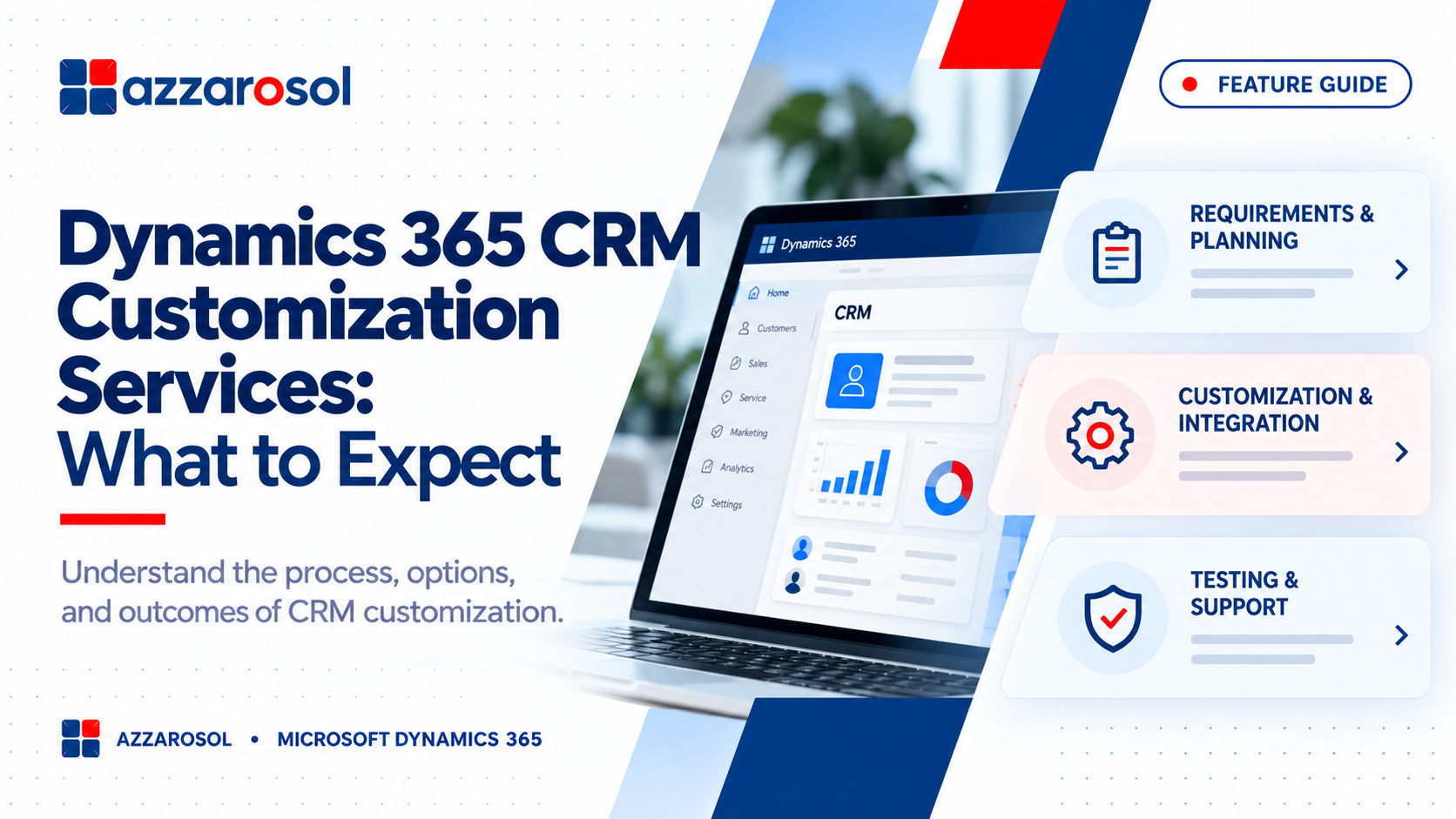
Dynamics 365 CRM Customization Services help businesses improve workflows, automate tasks, and manage customer data more effectively. The right customizations make Microsoft Dynamics 365 fit your business needs without adding unnecessary complexity.
What Are Dynamics 365 CRM Customization Services?
Dynamics 365 CRM customization means adapting Microsoft Dynamics 365 to fit your business processes. These changes may include custom forms, automated workflows, dashboards, integrations, and new business rules.
While standard features support common tasks, every business has different needs. A distribution company may need better order visibility, while a sales team may need custom lead assignment rules. Dynamics 365 CRM solutions can address these needs without forcing employees to follow unsuitable processes.
The goal of CRM customization for business needs is simple: make the system easier to use, improve data quality, and help employees complete work with fewer steps.
What Do Dynamics 365 CRM Customization Services Include?
Professional Dynamics CRM customization services should begin with your business requirements, not a list of technical features. The scope may include the following areas.
1. Custom Forms, Fields, and Dashboards
Teams need access to the information that matters to their roles. Custom CRM forms, views, and Dynamics 365 custom entities and fields can help organize customer records, sales activities, service requests, and other business data.
For example, a sales manager may need lead source, deal value, expected closing date, and sales stage on one screen. Custom dashboards and reports can then show pipeline value, conversion rates, and overdue follow-ups.
Effective Dynamics 365 CRM development should simplify the user interface rather than add unnecessary fields and screens.
2. Workflow Automation and Business Process Improvements
Manual tasks can slow teams down and lead to missed follow-ups. Dynamics 365 workflow customization helps automate routine actions, such as assigning leads, sending reminders, updating records, and routing service requests.
Common options include:
- CRM workflow automation: Trigger actions when a record meets defined conditions.
- Business process flows: Guide employees through the correct steps of a sales or service process.
- Power Automate integration: Connect CRM activities with supported Microsoft and third-party applications.
- CRM business rules: Apply field requirements, validation, and simple logic.
These Dynamics 365 CRM automation services can reduce repetitive work and improve consistency across departments.
3. CRM Integration With Existing Business Systems
Customer information often sits across ERP, finance, marketing, and support systems. Without reliable connections, employees may enter the same data several times or work with outdated records.
Dynamics 365 CRM integration services can connect the CRM with existing business applications. For example, Dynamics 365 CRM integration with ERP can help sales teams access relevant order or account information, depending on the integration design.
Microsoft ecosystem integration may use supported APIs, connectors, or custom integrations. The right approach depends on data volume, security, system limits, and business requirements.
For guidance on avoiding common integration problems, see top Dynamics 365 integration mistakes and how to avoid them
4. Custom Development, Security, and Reporting
Some requirements need more than standard configuration. Dynamics 365 Power Apps customization, Dataverse customization, low-code tools, or pro-code development can extend the system where needed.
Advanced requirements may involve Dynamics 365 plugin development, custom plugins and extensions, or JavaScript customization in Dynamics 365. These options should be used only when simpler features cannot meet the need.
Role-based security configuration also helps ensure employees can access the records and actions required for their jobs. Good Dynamics 365 business process customization balances flexibility with security, CRM scalability, and maintainability.
What Is the Dynamics 365 CRM Customization Implementation Process?
A structured Dynamics 365 CRM customization implementation process helps prevent scope changes, delays, and avoidable costs. Most projects follow these stages:
- Requirement gathering: Review current workflows, user challenges, reporting needs, and integration requirements.
- Solution design: Decide which requirements need configuration, automation, integration, or custom development.
- Development and configuration: Build and document the approved changes in a suitable environment.
- Testing and validation: Check workflows, permissions, integrations, data accuracy, and common user scenarios.
- Deployment and training: Release approved changes and help employees understand the new processes.
- Monitoring and improvement: Review performance, resolve issues, and refine the solution as business needs change.
This process applies to Microsoft Dynamics 365 CRM customization projects of different sizes. CRM testing and deployment should include business users, not only technical teams, because employees know where real workflow problems occur.
CRM data management and CRM data migration also need attention when the project includes importing records from an older system. Clean data, clear ownership, and agreed validation rules help prevent duplicate or incomplete customer records.
Businesses planning broader ERP and CRM changes can also refer to this ERP data migration strategy for preventing costly failures.
Common CRM Customization Challenges and How to Avoid Them
Customization can improve efficiency, but poor planning can create new problems. Businesses should address these risks early.
- Rising costs: Define the project scope, prioritize essential features, and approve changes before development begins.
- Excessive customization: Use standard Dynamics 365 CRM features whenever they meet the requirement. Extra code can increase future maintenance.
- Integration failures: Agree on data ownership, synchronization rules, error handling, and security before connecting systems.
- Low user adoption: Involve employees during planning, simplify screens, and provide practical CRM user adoption and training.
- Poor reporting: Define key performance indicators before building Dynamics 365 reporting and dashboards.
- Future upgrade issues: Follow supported development practices, document custom components, and test changes before release.
These Dynamics 365 CRM customization best practices help businesses maintain system quality while supporting new requirements. CRM performance optimization should also be part of ongoing reviews, especially when custom code or integrations affect response times.
How Much Do Dynamics 365 CRM Customization Services Cost?
The cost of Dynamics 365 CRM customization services depends on the complexity of the project rather than a single standard price. Key factors include:
- Number and complexity of custom features.
- Integration with ERP and other applications.
- Data migration, cleanup, and validation.
- Testing, training, and deployment requirements.
- Ongoing support and maintenance needs.
A small form update usually requires less effort than a project involving custom development, several integrations, and complex business processes. Ask providers to explain their scope, deliverables, assumptions, and ongoing costs before approving a proposal.
How to Choose the Right Dynamics 365 CRM Customization Partner
Choosing a suitable Microsoft Dynamics 365 customization partner can affect project quality, user adoption, and long-term costs. When you evaluate a Dynamics 365 CRM service provider, look for:
- Experience with business processes similar to yours.
- Clear requirement analysis and realistic project planning.
- Knowledge of configuration, Power Platform tools, integrations, and custom development.
- A defined approach to security, testing, documentation, and deployment.
- Reliable training and Dynamics 365 CRM support and maintenance after launch.
When you hire Dynamics 365 CRM customization consultants, ask how they decide between standard features and custom code. A capable Microsoft Dynamics 365 consulting partner should explain the trade-offs in plain language and link proposed changes to measurable business goals.
You can review certified Dynamics 365 consultants to understand the expertise available for your implementation and customization requirements.
Whether you need Dynamics 365 CRM consulting services, Dynamics 365 CRM implementation services, or long-term Dynamics 365 CRM upgrade and optimization, choose a team that focuses on business outcomes, not just technical changes. Microsoft Dynamics CRM consulting should help your organization build a solution that can adapt as its needs grow.
For organizations planning a new CRM deployment alongside customization, Dynamics 365 ERP and CRM implementation is another relevant resource.
Conclusion:
Dynamics 365 CRM Customization Services include custom forms, fields, dashboards, workflow automation, system integrations, security settings, testing, and ongoing support. These services help businesses simplify daily tasks, improve reporting, and align CRM features with their sales and customer service processes.
Azzarosol can help your organization assess its CRM requirements and plan Microsoft Dynamics 365 changes around your business goals.
Contact Us now to discuss your Dynamics 365 CRM customization needs and build a more effective CRM experience.