
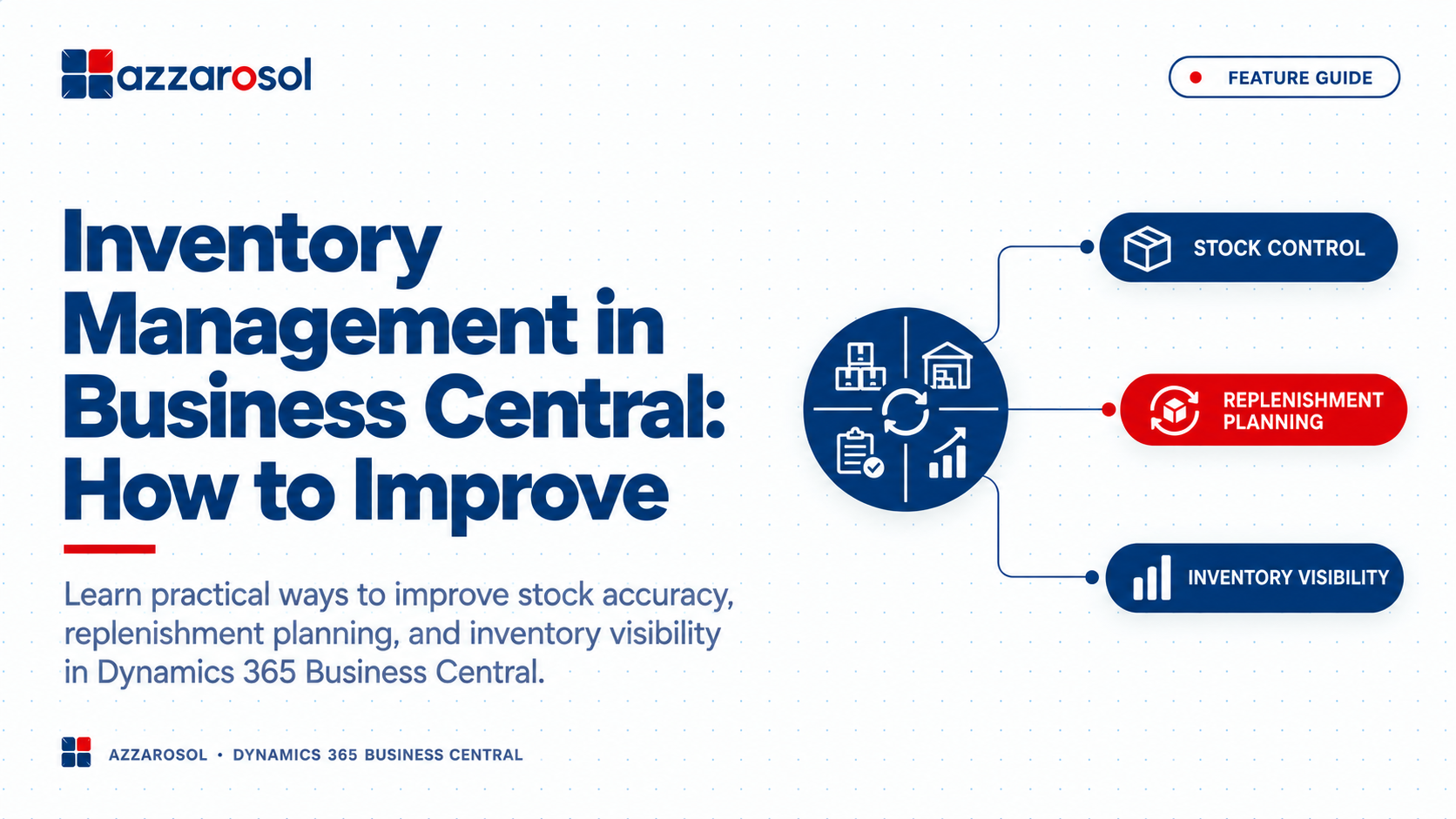
Inventory Management in Business Central helps businesses control stock, improve accuracy, reduce excess inventory, and avoid stockouts. With the right setup and processes, Business Central can give teams better visibility and control over daily inventory operations.
What is the best way to improve Inventory Management in Business Central?
Improve item data accuracy, optimize warehouse processes, use item tracking, set proper replenishment rules, perform cycle counts, and regularly review inventory reports. These steps help reduce errors, control stock levels, and improve inventory visibility.
Common Inventory Management Problems Businesses Face
Many inventory problems start with small process gaps. Over time, those gaps can lead to higher costs and unhappy customers.
Inventory Management in Business Central: Where Problems Start
Businesses commonly deal with:
- Inaccurate stock counts: Physical stock does not match system records.
- Stockouts: Important products are unavailable when customers place orders.
- Excess inventory: Too much capital is tied up in products that sell slowly.
- Manual data entry: Teams spend time updating spreadsheets and correcting records.
- Poor inventory visibility: Managers cannot quickly see available stock across locations.
- Warehouse errors: Picking, receiving, transfers, and shipments are not recorded correctly.
- Weak forecasting: Purchasing decisions are based on guesswork rather than demand data.
These issues affect both warehouse inventory management and the wider inventory management process.
How to Improve Inventory Management in Business Central
Improving inventory performance starts with the basics. The following steps can help businesses create stronger Business Central stock management processes.
1. Keep Item Data Accurate
Good inventory control begins with clean item master data. Each product should have accurate descriptions, units of measure, vendors, costing details, and other required information.
For businesses managing hundreds or thousands of SKUs, inconsistent item data can create errors across purchasing, sales, and warehouse operations.
Review item records regularly and remove outdated or duplicate information. Accurate master data supports better stock accuracy and makes inventory reports more useful.
2. Improve Business Central Inventory Setup
Your Business Central inventory setup should reflect how your business actually operates. Configure warehouse locations, item settings, replenishment rules, and other inventory parameters based on real processes.
Businesses operating from multiple sites should also clearly define warehouse locations and stock movement rules.
A good setup helps answer basic questions quickly:
- How much stock is available?
- Where is it located?
- What has already been ordered?
- What needs replenishment?
- Which items are moving slowly?
This creates stronger Business Central inventory visibility.
3. Use Item Tracking for Better Traceability
Item tracking becomes important when products need batch or serial-level control.
Business Central supports lot numbers and serial numbers, helping businesses trace products through their inventory. This can be useful for manufacturers, distributors, food businesses, electronics companies, and other industries with traceability requirements.
Businesses can use item tracking to understand where products came from, where they were moved, and where they were sold.
This improves Business Central inventory tracking and can also make recalls, warranty work, and stock investigations easier.
4. Strengthen Purchasing and Replenishment
Buying too much creates excess stock. Buying too little can cause stockouts. Better replenishment planning helps balance these two risks.
Use available inventory information, demand patterns, supplier lead times, reorder points, and safety stock requirements when setting purchasing rules.
Business Central inventory planning can support purchase orders and replenishment decisions instead of relying only on manual calculations.
For growing companies, Business Central inventory planning for growing businesses should be reviewed regularly as demand, suppliers, and product ranges change.
5. Improve Warehouse Inventory Processes
Warehouse teams need clear processes for receiving, storing, picking, transferring, and shipping goods.
Business Central warehouse management can help organize warehouse receipts, warehouse shipments, bins, and stock movements. However, the system works best when employees follow consistent procedures.
To improve warehouse stock control:
- Record receipts as soon as goods arrive.
- Keep bin and location information accurate.
- Record transfer orders correctly.
- Confirm shipments before goods leave.
- Investigate unusual inventory adjustments.
- Review frequent picking and receiving errors.
These steps can help improve warehouse inventory in Business Central become a practical process rather than just a software goal.
6. Use Cycle Counting to Improve Accuracy
A physical inventory count can identify differences, but businesses do not always need to wait for a full annual count.
Cycle counting allows teams to check selected items on a regular basis. High-value or fast-moving SKUs can be counted more often than low-risk products.
When differences appear, do not simply correct the quantity and move on. Look for the reason behind the discrepancy. It could be a receiving error, missed transaction, incorrect unit of measure, picking mistake, or unrecorded stock movement.
This is one of the most practical ways to improve inventory accuracy in Business Central.
7. Monitor Inventory Reports and Item Ledger Entries
Inventory reports and analytics can help managers identify problems before they become expensive.
Review item availability, stock movements, inventory valuation, inventory costing, and item ledger entries regularly.
Look for:
- Fast-moving and slow-moving products
- Unusual stock movements
- Excess stock
- Repeated inventory adjustments
- Items approaching stockout levels
- Changes in inventory value
Using real data supports better inventory monitoring and reduces dependence on spreadsheets.
Business Central Inventory Management Best Practices
A strong inventory control system should be easy for employees to follow every day. The most useful Business Central inventory management best practices include:
- Keep item and SKU information accurate.
- Review stock levels and replenishment settings regularly.
- Use cycle counting for important inventory.
- Track lot numbers and serial numbers when required.
- Record purchase orders, sales orders, receipts, shipments, and transfers correctly.
- Review inventory reports and item ledger entries.
- Monitor slow-moving and excess stock.
- Train warehouse and inventory teams on standard processes.
- Reduce unnecessary manual inventory adjustments.
- Connect inventory decisions with purchasing, sales, and finance.
These practices can also support businesses looking for how to automate inventory management in Business Central. Automation should reduce repetitive work while keeping important controls in place.
How Can Business Central Reduce Inventory Errors and Excess Stock?
Business Central can help reduce inventory errors by connecting inventory transactions with purchasing, sales, and warehouse processes. Better transaction records improve inventory visibility and make discrepancies easier to investigate.
To reduce excess inventory, businesses should combine inventory data with demand forecasting and replenishment planning. Review products that remain in stock for long periods and compare current quantities with actual demand.
The goal is not to keep the lowest possible stock. The goal is to maintain stock levels that support customer demand without unnecessary carrying costs.
How to Optimize Inventory in Business Central as Your Business Grows
As product ranges, warehouses, suppliers, and order volumes increase, basic stock management may no longer be enough.
For Business Central inventory management for wholesalers, focus on stock availability, multiple locations, purchasing, transfers, and fast-moving SKUs.
For Business Central inventory management for manufacturers, pay closer attention to raw materials, production requirements, demand forecasting, replenishment, and item tracking.
Businesses should also review whether their existing workflows still match actual warehouse operations. A process that worked with 500 SKUs may create problems with 5,000 SKUs.
Conclusion:
Inventory Management in Business Central works best when technology and daily processes support each other. Accurate item data, proper inventory setup, reliable warehouse processes, item tracking, replenishment planning, cycle counting, and regular inventory analysis can help businesses gain better control over stock.
The key is to fix the cause of inventory problems, not only correct the numbers after an error occurs. If your team is dealing with stock discrepancies, excess inventory, stockouts, or limited visibility, review your Business Central configuration and inventory processes together.
Azzarosol can help businesses improve Business Central inventory control, warehouse processes, inventory planning, and reporting based on their operational needs.
Need better Inventory Management in Business Central? Contact Us now to improve inventory accuracy, stock control, and visibility with Azzarosol.
