
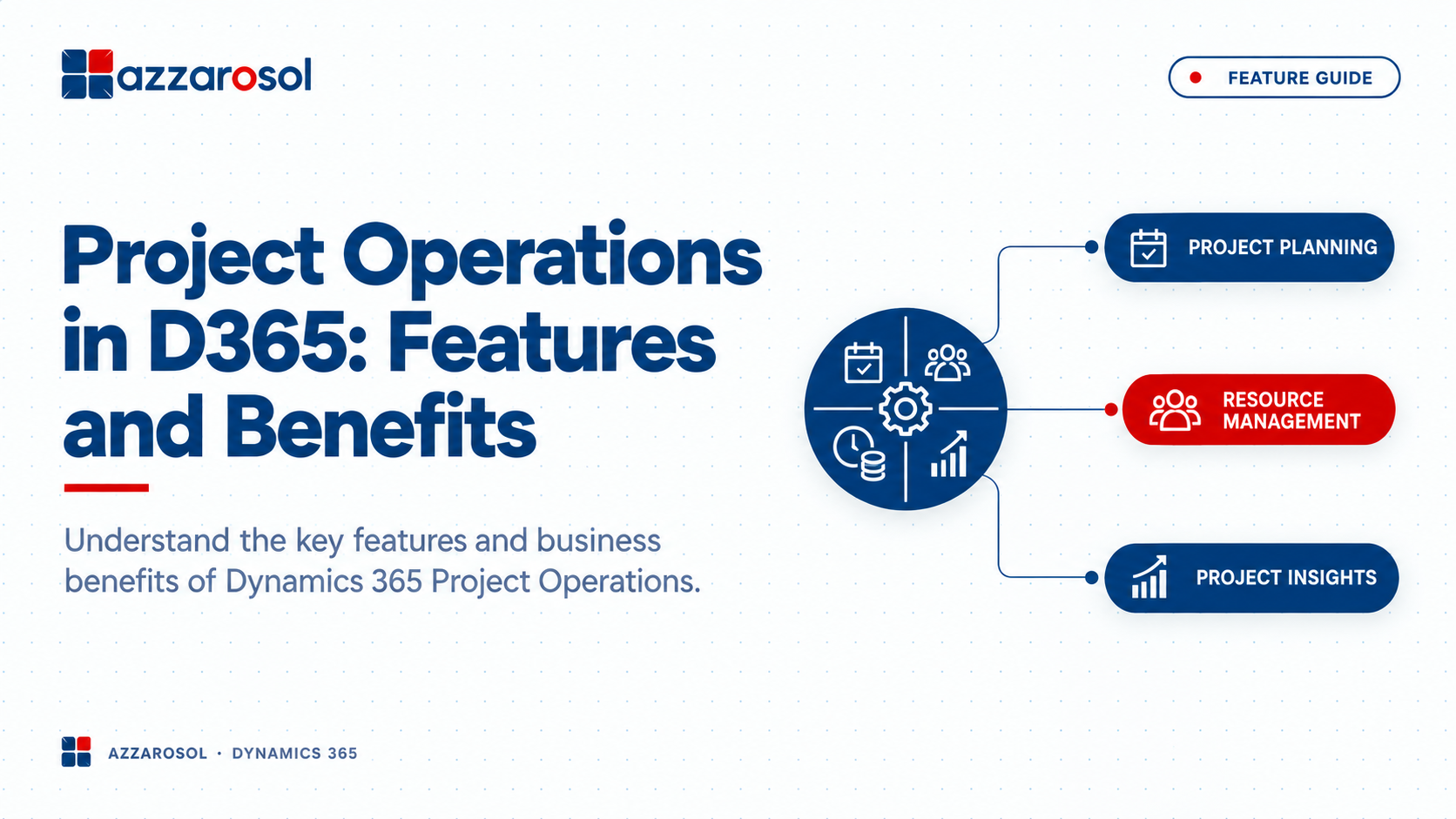
Project Operations in D365 helps businesses manage project planning, resources, costs, time, billing, and delivery in one connected system. It gives project and finance teams better visibility while reducing manual work and disconnected processes.
What Is Project Operations in D365?
Project Operations in D365 is a Microsoft Dynamics 365 solution that connects project planning, resource management, time tracking, project costing, billing, and financial management. It helps project-based businesses manage the complete project lifecycle with better visibility and control.
Key Dynamics 365 Project Operations Features
The main Dynamics 365 Project Operations features are designed to address common project management problems. Each capability supports a specific part of project delivery.
1. Project Planning and Scheduling
Poor project planning can affect deadlines, resources, and budgets. Project Operations supports project planning by helping teams organize tasks, milestones, schedules, estimates, and dependencies.
Project managers can create project templates for repeatable work and break larger projects into manageable tasks. This gives teams a clearer view of what needs to be completed and when.
The Dynamics 365 Project Operations project planning features also support project scheduling, helping managers coordinate activities around available resources and expected delivery dates.
This is especially useful when projects involve many tasks or frequent schedule changes.For a complete overview of the solution, refer to this Dynamics 365 Project Operations complete guide.
2. Resource Management
Finding the right person for a project is only part of the challenge. Managers also need to know whether that person is available and how their assignment affects other projects.
Dynamics 365 resource management supports resource scheduling, capacity planning, skills matching, and resource utilization. Managers can review available resources and assign people based on project requirements.
The Dynamics 365 Project Operations resource management features help reduce common problems such as:
- Over-allocating employees
- Leaving skilled resources underused
- Assigning unsuitable resources
- Missing resource capacity issues
- Managing schedules manually
Better resource scheduling can help businesses use their teams more effectively while maintaining project delivery timelines. Working with certified Dynamics 365 consultants can help organizations implement these resource management capabilities effectively.
3. Time and Expense Tracking
Accurate time tracking matters when projects are billed based on hours or when labor costs affect profitability.
Dynamics 365 Project Operations time tracking allows employees to record time against projects and tasks. Expense management helps capture project-related expenses and connect them with the appropriate work.
This reduces the need to collect information from emails, spreadsheets, or separate systems.
For managers and finance teams, accurate time and expense information creates a stronger basis for project costing, billing, and financial reporting.
4. Project Accounting and Billing
Project financial management is another important part of D365 Project Operations. Businesses need to know not only whether a project is progressing, but also whether it is financially healthy.
The system supports project accounting, project costing, project budgeting, forecasting, billing, and invoicing. Teams can compare estimated and actual project costs and monitor financial performance during delivery.
For example, if labor costs increase faster than expected, managers can identify the issue before it becomes a major margin problem.
The Dynamics 365 Project Operations project billing and project accounting capabilities can also connect project work with financial processes, reducing manual data entry. To understand how this integrates with broader financial systems, explore D365 Finance Operations ERP.
5. Project Tracking and Reporting
Project tracking becomes difficult when managers cannot see current information. D365 Project Operations provides visibility into project status, tasks, resources, costs, and financial performance.
Project managers can use this information to monitor:
- Project progress
- Task completion
- Resource utilization
- Actual versus estimated costs
- Project budgets
- Billable work
- Project profitability
This supports better project forecasting and helps managers respond to issues before they affect delivery.
What Are the Benefits of Dynamics 365 Project Operations?
The Dynamics 365 Project Operations benefits go beyond replacing spreadsheets. The biggest value comes from connecting project operations with business processes and financial information.
1. Better Project Visibility
Teams can work from connected project information instead of checking multiple files and systems. Managers get a clearer view of project status, resources, costs, and delivery.
2. Improved Resource Utilization
Resource management and resource scheduling help businesses understand capacity and assign people more effectively. This can reduce scheduling conflicts and improve the use of available skills.
3. Stronger Project Cost Control
Project costing becomes easier when time, expenses, resources, and other costs are recorded against projects. Managers can identify budget issues earlier and take corrective action.
4. Better Project Profitability
Project profitability depends on both revenue and delivery costs. With better project accounting and financial visibility, businesses can track margins and understand which projects are performing as expected.
5. Faster Project Billing
When project work, time, expenses, contracts, and billing information are connected, finance teams can spend less time collecting data manually. This can support more consistent project invoicing.
6. Connected Sales, ERP, and CRM Processes
Project sales often begin before the project team gets involved. Business process integration and ERP and CRM integration can help connect sales information with project delivery and financial operations.
To avoid common pitfalls during this integration, review these top Dynamics 365 integration mistakes and how to avoid them. This creates a more connected flow from winning a project to delivering and billing it.
How Does Dynamics 365 Project Operations Work?
Understanding how Dynamics 365 Project Operations works is easier when you look at the project flow.
- Plan the project: Define scope, tasks, estimates, milestones, and schedules.
- Assign resources: Match available people and skills with project requirements.
- Deliver the work: Manage tasks, collaboration, schedules, and project progress.
- Track time and expenses: Record the resources and costs used during delivery.
- Monitor financials: Compare budgets, actual costs, revenue, and forecasts.
- Bill the customer: Use project and contract information to support billing and invoicing.
- Review profitability: Analyze project performance and identify areas for improvement.
This connected approach is one reason businesses consider Dynamics 365 Project Operations for project management instead of relying only on traditional project management software.
Who Can Benefit From D365 Project Operations?
Dynamics 365 Project Operations for professional services can help consulting firms, agencies, engineering companies, and other businesses that manage billable projects.
It can also support Dynamics 365 Project Operations for service businesses where employees, costs, schedules, and customer billing need to be managed together.
Businesses may benefit when they frequently face:
- Manual project planning
- Resource scheduling conflicts
- Limited project cost visibility
- Delayed billing
- Poor project profitability tracking
- Separate CRM, ERP, and project systems
- Heavy dependence on spreadsheets
The implementation benefits depend on the organization’s processes, project complexity, existing Microsoft environment, and business requirements. For organizations in specific industries like engineering, construction, and professional services, financial and professional services solutions can be tailored to meet unique project delivery needs.
How to Use Dynamics 365 Project Operations Effectively
Technology alone does not solve project management problems. Businesses should first review their existing processes and define what they need from the system.
A practical approach is to:
- Identify project planning and delivery bottlenecks.
- Review how resources, time, and expenses are currently tracked.
- Define project costing and billing requirements.
- Standardize repeatable processes with project templates.
- Connect project operations with relevant ERP and CRM processes.
- Build reports around project status, cost, utilization, and profitability.
This helps ensure the D365 project management software supports actual business workflows rather than simply adding another application.
Conclusion:
Project Operations in D365 provides a connected approach to project planning, resource management, project costing, time tracking, project accounting, billing, and project financial management. Its value comes from giving project and finance teams better visibility across the project lifecycle.
For organizations struggling with spreadsheets, disconnected systems, resource conflicts, cost overruns, or delayed billing, Microsoft Project Operations can provide a structured way to bring these processes together.
However, successful implementation requires more than activating software. Businesses should align the Dynamics 365 project operations module with their project processes, financial requirements, resource model, and reporting needs. A structured Dynamics 365 Business Central implementation roadmap guide can help organizations plan a phased and effective rollout.
If you are evaluating Project Operations in D365 and want to understand how it can fit your business, Contact Azzarosol now for expert guidance on Dynamics 365 Project Operations implementation, integration, and support.
