
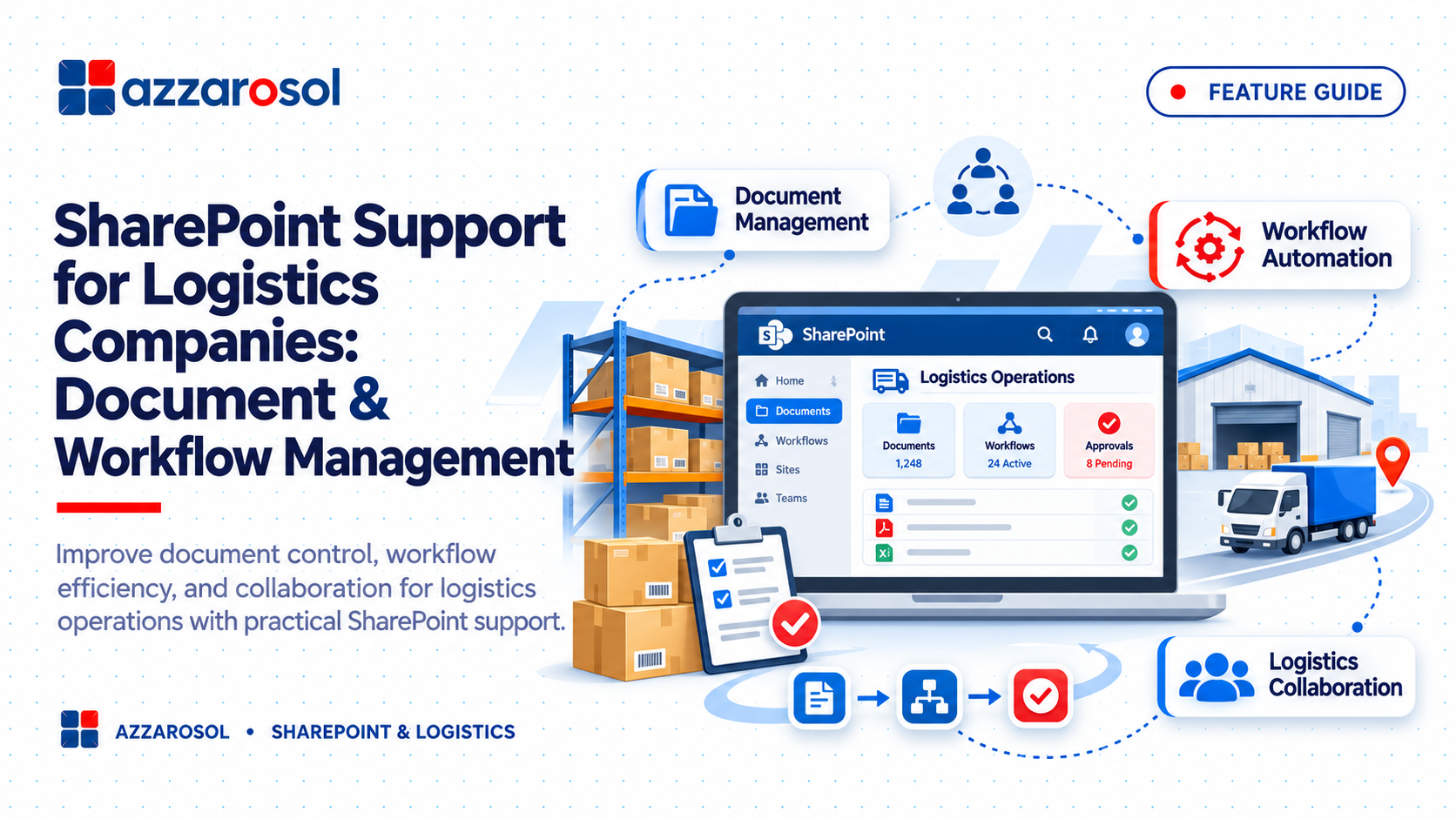
SharePoint support for logistics companies helps businesses manage shipment records, warehouse documents, invoices, and approvals in one place. It reduces paperwork, improves team collaboration, and automates daily workflows, helping logistics operations run more smoothly.
What Is SharePoint Support for Logistics Companies?
SharePoint support for logistics companies helps logistics businesses organize documents, automate approval workflows, manage secure file access, and improve collaboration across warehouse, transportation, and operations teams using Microsoft SharePoint and Power Automate.
This combination helps reduce manual work, prevent document confusion, and improve access to important business information.
Why Do Logistics Companies Need Better Document Management?
Logistics operations depend on accurate and accessible information. A single shipment may involve purchase orders, invoices, delivery notes, transport details, and proof of delivery. Managing these records manually can create delays and errors.
Common challenges include:
- Scattered documents: Employees store files in emails, personal computers, and different shared folders.
- Delayed approvals: Purchase orders, invoices, and delivery documents wait for manual approval.
- Version confusion: Teams may use outdated shipment details or incorrect documents.
- Poor coordination: Warehouse, transportation, and operations teams struggle to share updated information.
- Limited visibility: Managers cannot easily check pending tasks or find the latest records.
Traditional file storage may work for a small team, but it becomes difficult to manage as the business grows. Logistics document management software should make information easy to find, share, and control.
How SharePoint Support for Logistics Companies Improves Document Management
Microsoft SharePoint Online provides cloud-based document management through structured SharePoint document libraries, lists, and team sites. It helps logistics businesses build a centralized document repository instead of relying on disconnected folders.
1. Centralized Storage for Logistics Documents
SharePoint document management for logistics allows teams to organize important business records in one location.
Companies can create separate document libraries for:
- Shipment records and tracking documents
- Freight forwarding documents and customs paperwork
- Customer contracts and supplier agreements
- Warehouse inventory records
- Delivery proof documentation and invoices
- Logistics compliance documentation
For example, a freight forwarding company can organize documents by shipment reference number. Employees can find the related invoice, shipping details, and delivery records without searching through multiple email conversations.
This approach supports supply chain document management and makes digital document management for logistics easier to maintain.
2. Document Version Control and Secure Access
Using the wrong document can cause delays, billing errors, and confusion between departments. SharePoint document version control helps teams track document changes and access earlier versions when needed.
SharePoint permissions management also allows administrators to control who can view, edit, or share specific files.
For example:
- Warehouse employees can access inventory and dispatch records.
- Finance teams can manage invoices and payment documents.
- Operations managers can review shipment and delivery reports.
- Authorized managers can approve or update important records.
This creates better operational document control and supports secure transportation document management.
How SharePoint Workflow Automation for Logistics Reduces Manual Work
Manual paperwork and repeated follow-ups can slow down logistics operations. SharePoint workflow automation for logistics helps businesses move routine tasks through defined steps.
With Power Automate integration, companies can create automated document approval workflows without depending on employees to send every reminder manually.
1. Automate Document Approval Workflows
Logistics companies can use automated workflows for:
- Purchase order approval
- Freight invoice verification
- Delivery document approval
- Supplier onboarding requests
- Internal document review
For example, when an employee uploads a purchase order, Power Automate can notify the responsible manager. Once approved, the employee receives a notification, and the document status can be updated.
This explains how to automate logistics document approval workflows while reducing unnecessary delays.
2. Improve Task Tracking and Notifications
SharePoint lists and libraries can help managers track document status, assigned employees, and pending activities.
Businesses can set up notifications for:
- Documents waiting for approval
- Missing shipment records
- Pending delivery confirmations
- Upcoming document review dates
- Uncompleted internal requests
These features support logistics task management software requirements and help improve supply chain workflow automation.
How SharePoint Improves Collaboration Across Logistics Teams
Logistics work involves several departments that must share accurate information. SharePoint team collaboration provides a common workspace where authorized employees can access relevant documents.
Connect Warehouse, Transportation, and Operations Teams
Warehouse employees can upload dispatch records, transportation teams can access delivery documents, and operations managers can review updated information.
This reduces repeated email exchanges and supports real-time document sharing.
For businesses asking how to improve document sharing in logistics companies, SharePoint offers a structured way to manage files across departments and locations.
It also works as one of several logistics collaboration tools that support cross-department collaboration and better supply chain visibility.
Support Freight Forwarders and External Partners
SharePoint solutions for freight forwarding companies can help organize shipping instructions, customs records, invoices, and customer documents.
With suitable permissions and sharing controls, businesses can provide authorized external partners with access to selected information.
This makes managing transportation documents with SharePoint more organized while helping teams maintain control over sensitive business records.
SharePoint Integration with Microsoft 365 and Logistics Systems
Many logistics companies already use ERP, warehouse management, and transportation management applications. A separate document platform should support these systems rather than create another disconnected source of information.
Microsoft 365 for logistics companies offers several tools that can work alongside SharePoint.
Important integration options include:
- Microsoft Teams: Supports communication and document collaboration.
- Power Automate: Connects SharePoint with automated business processes.
- Power BI: Helps managers review operational data and reports.
- Microsoft Forms: Collects internal requests and business information.
SharePoint integration for logistics operations can also connect with existing ERP, warehouse management, and transportation management systems, depending on available APIs and technical requirements.
This can support logistics data management solutions and reduce repeated data entry. Proper planning is important to ensure that information moves between systems accurately.
Why Logistics Companies Need Professional SharePoint Support Services
Setting up SharePoint is only the first step. Businesses also need the right structure, permissions, workflows, and ongoing maintenance.
Professional SharePoint consulting for logistics companies helps align the platform with actual business processes.
1. SharePoint Implementation and Customization
SharePoint implementation for logistics companies should begin with an understanding of how documents move across departments.
Professional support may include:
- Creating structured document libraries and team sites.
- Setting up permissions and access controls.
- Building approval and notification workflows.
- Connecting Microsoft 365 applications.
- Configuring document management for warehouse and transportation teams.
SharePoint customization for logistics companies can also address specific operational requirements. For example, SharePoint customization for warehouse management may include dedicated document libraries and approval processes for inventory-related records.
2. Ongoing Maintenance and Technical Support
As operations grow, document libraries, users, and workflows also change. SharePoint maintenance and support services help keep the platform organized and reliable.
SharePoint managed services for logistics may include:
- Resolving access and permission issues.
- Maintaining document libraries and workflows.
- Reviewing security settings.
- Supporting Microsoft 365 integration.
- Providing user guidance and technical assistance.
These SharePoint support services help businesses maintain a reliable document management environment over time.
Key Benefits of SharePoint Solutions for the Logistics Industry
When properly implemented and managed, Microsoft SharePoint for supply chain management can deliver practical business benefits.
Key advantages include:
- Better document organization: Keep important records in a centralized document repository.
- Faster approvals: Reduce delays through automated document processing.
- Improved security: Control document access through permissions.
- Better collaboration: Connect warehouse, transportation, finance, and operations teams.
- Less manual work: Automate repetitive tasks and notifications.
- Improved visibility: Track documents, approvals, and pending activities.
For businesses evaluating the best document management system for logistics companies, SharePoint can be a suitable option when they need document control, collaboration, and Microsoft 365 integration.
Conclusion:
Managing documents and daily workflows should not slow down logistics operations. SharePoint provides a centralized way to organize business records, control document access, automate approvals, and improve communication between departments.
However, successful implementation requires more than creating folders and uploading files. Businesses need a well-planned structure, suitable permissions, useful workflows, and ongoing technical support. The right SharePoint setup can help logistics companies reduce manual processes and manage growing documentation needs more effectively.
Azzarosol provides SharePoint support for logistics companies, helping businesses improve document management, workflow automation, Microsoft 365 integration, and operational collaboration.
Contact Us now to discuss your SharePoint requirements and find the right solution for your logistics business.
